
Reset your study progress
Clear your quiz and mock exam history and start again with a clean slate. It takes under a minute, and it cannot be undone.
On this page
What a reset clears
A reset gives you a new, empty study record for exam prep. Everything you have done up to now is cleared:
- Quiz history and scores
- Mock exam attempts and scores. Mock exams you have already taken open up again.
- Saved questions
- Your spaced repetition review schedule
- Question of the Day answers, your study streak and the activity calendar
What stays the same
- Your account and your access. A reset never shortens your plan or changes when it ends.
- Your exam date
- CME courses and certificates, which are kept separately from exam prep
Step 1. Open Study Progress
Log in at app.vigilantiq.com and choose Study Progress in the sidebar. On a phone, open the menu first.
If you see a Welcome back banner at the top of your dashboard, its Start fresh button opens the same confirmation, and you can skip to step 3.
Step 2. Select Reset Progress
Scroll to the bottom of the page. The last card is Reset Progress. Select the Reset Progress button on it.
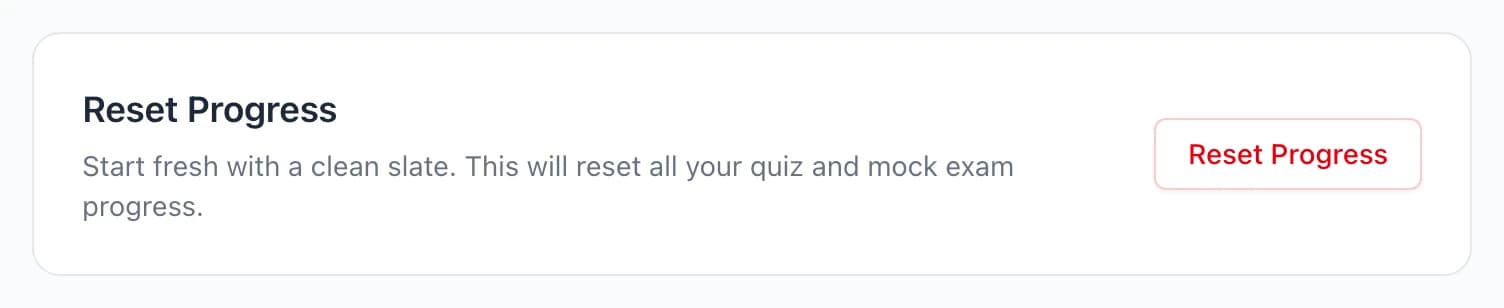
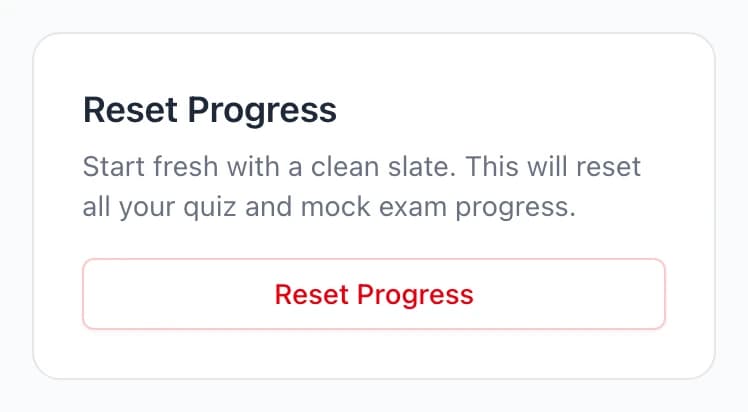
If the button is grayed out, see if reset is turned off below.
Step 3. Confirm the reset
A dialog asks whether you are sure. Select Yes, Reset. Your history clears and you land back on your dashboard, ready to start again.
If reset is turned off
Reset is turned off while you are enrolled in a program and your program access is still active. Your program director follows your quiz and mock exam results through the program, and a reset partway through would throw off what they see.
While it is off, the Reset Progress card names the program and the date your access ends, and the button stays grayed out. It turns back on by itself after that date, with nothing for you to do.
Still have a question?
Send us a note and we will get back to you.